

“DCS has been proactively informing customers about the endoflife dates for Windows 10 and Office 2019, which took effect on 14th October 2025. While many customers have already completed their upgrades, there remains a notable portion of devices across our customer base still running these nowunsupported versions.”
What Are The Hidden Risks of Running Windows 10 and Office 2019 Beyond End-of-Life
Whilst Microsoft have officially ended support for Windows 10 and Office 2019, and your PCs and laptops will still function; continuing to use these platforms without updates is a serious risk for your business.
Why This Matters
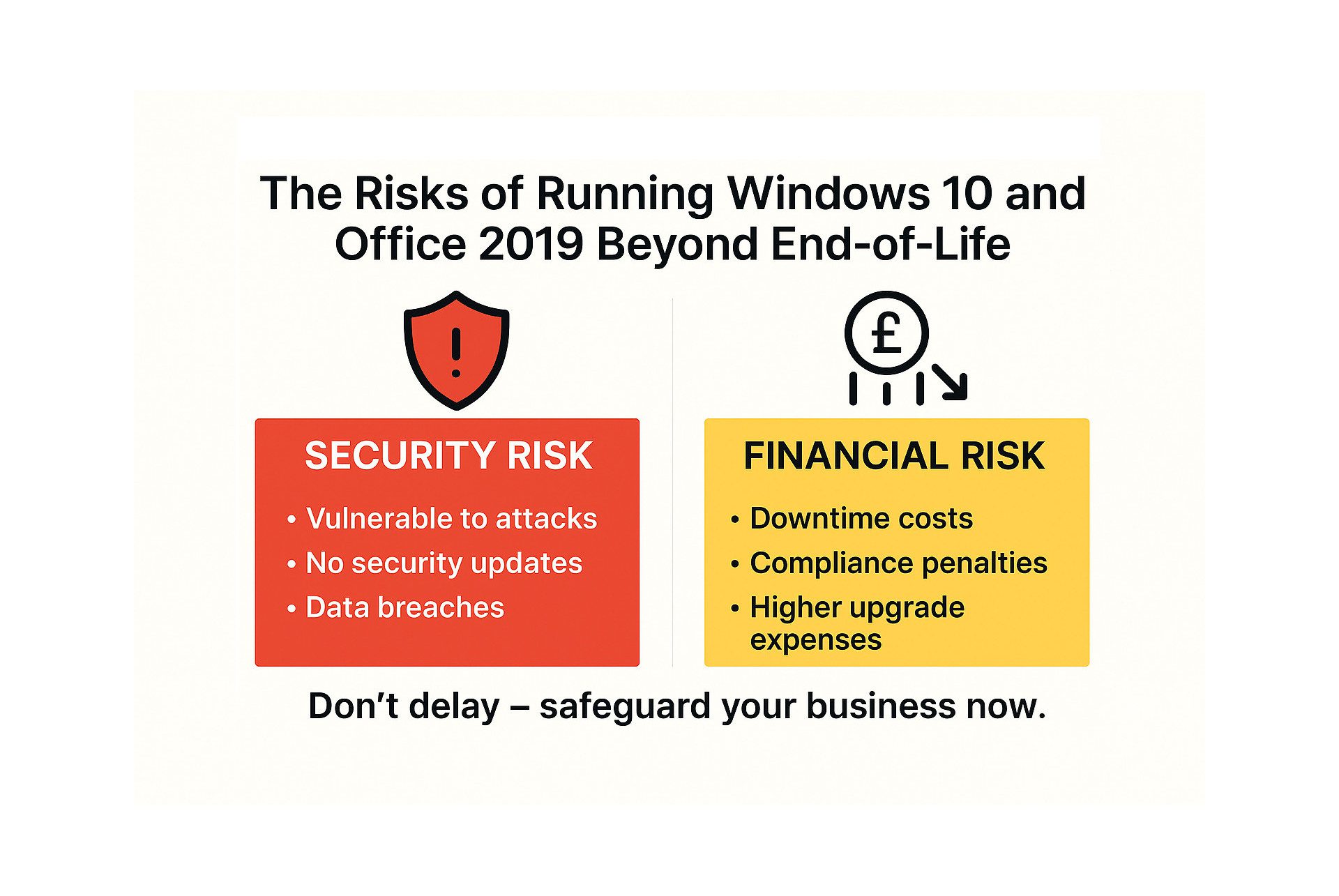
Unsupported operating systems and software no longer receive security patches, leaving them exposed to cyber threats. Hackers actively target outdated systems because vulnerabilities remain unpatched. The consequences can include:
- Ransomware attacks leading to data loss and costly downtime.
- Compliance failures resulting in fines and reputational damage.
- Insurance claim denials for businesses using unsupported software.
Office 2019 carries similar risks. Without updates, you face:
- Increased exposure to phishing and macro-based malware.
- Compatibility issues with modern Microsoft 365 services.
- Potential audit failures for regulated industries.
Your Options: ESU, Upgrade, or Replace
If you’re still running Windows 10, here are your choices:
- Extended Security Updates (ESU)
ESU provides critical patches beyond October 2025, but it’s a short-term fix. Costs start at £58 (Oct 2025 – Oct 2026), £116 (Oct 2026 – Oct 2027) and £233 (Oct 2027 – Oct 2028) per device, plus installation; making it an expensive stopgap.
- Upgrade to Windows 11
If your hardware meets requirements (TPM 2.0, Secure Boot), upgrading is the most cost-effective long-term solution.
- Replace Legacy Hardware
For older machines that can’t run Windows 11, replacement is inevitable. Delaying this decision can be costly and with hardware prices are rising (especially for RAM), there may likely face supply chain issues.
The Cost of Waiting
Procrastination doesn’t save money, it multiplies costs. Delaying upgrades can lead to:
- Emergency IT spend on hardware and labour.
- Downtime and lost productivity during rushed transitions.
- Higher hardware costs due to shortages and price spikes.
- Compliance penalties and potential loss of contracts.
What Should You Do Now?
- Audit your devices: Identify which can upgrade and which need replacing. DCS are happy to assist in this process and help identify the best course of action.
- Plan your migration: Spread costs across quarters to avoid panic buying.
- Use ESU only as a temporary measure: It buys time, but at a premium.
- Act early: Hardware prices and IT labour costs will only rise.
Don’t Wait – Act Today
Unsupported systems are a liability; financially, operationally and reputationally. The time to act is now.
Contact us today to discuss your upgrade options and secure your business before it’s too late. Call us on 01937 541411 or email [email protected] for a free review.